Searching for the "best security guard management software" usually returns long lists of products that all claim to do everything. The truth is that the best system is the one that fits how your company actually works: your site count, the proof your clients expect, how you pay guards and how you bill clients.
This buyer's guide explains what security guard management software does, the features that matter most, the questions to ask vendors and how to run a trial that tells you what you need to know.
What security guard management software does
Security guard management software (sometimes called guard tour software, workforce management for security, or security operations software) replaces the spreadsheets, paper logs and group chats used to run a guarding business. A complete system typically covers:
- Scheduling: assigning guards to posts and shifts
- Attendance: recording and verifying when guards arrive and leave
- Live monitoring: seeing which posts are covered right now
- Patrols and checkpoints: proving patrol routes were completed
- Invoicing: billing clients for hours and services delivered
- Payroll support: calculating hours and pay for guards
- Employee records: licences, documents and ID cards
- Reporting and audit logs: evidence for clients and regulators
Some products specialise in one or two of these; others connect them all. The more parts of your workflow live in separate tools, the more retyping and reconciling you will do.
Must-have features checklist
Use this list to compare products. Not every company needs everything, but the first group should be non-negotiable.
Core (essential for most security companies)
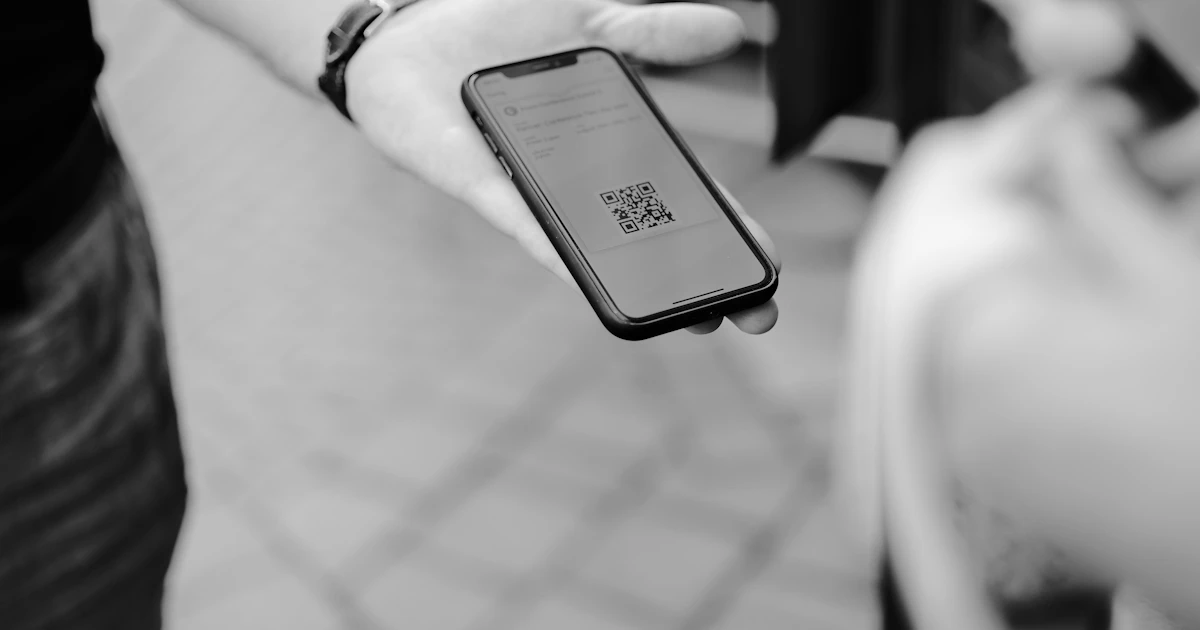
- Verified mobile attendance: check-ins confirmed by geofencing, ideally with QR or NFC checkpoints at posts. See how geofencing works.
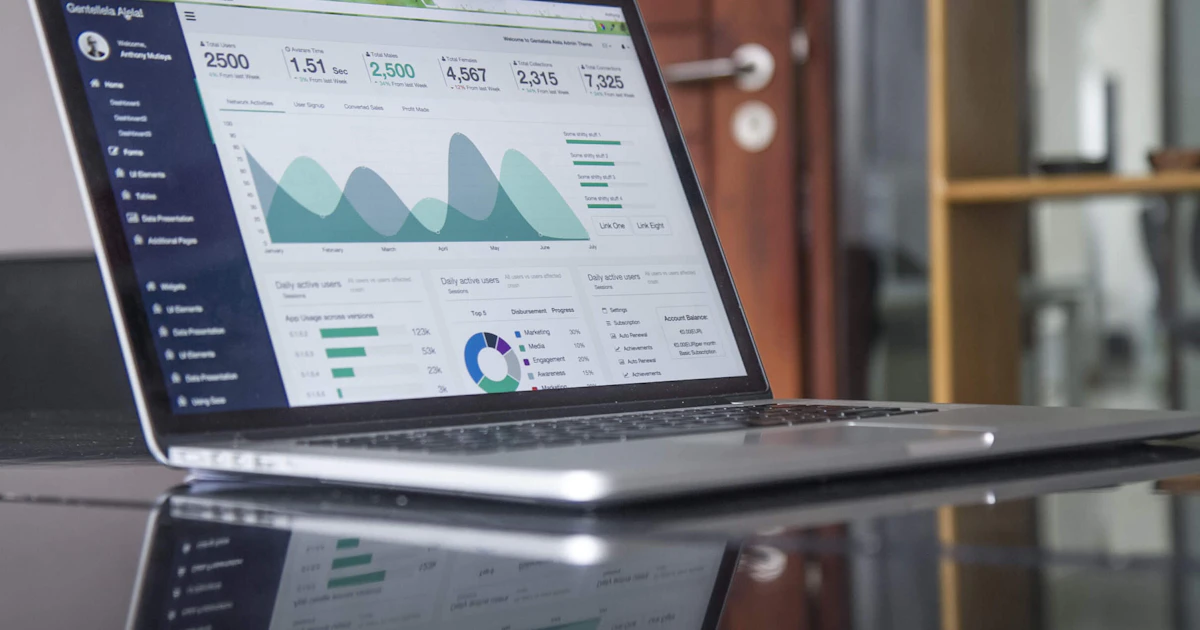
- Live coverage dashboard across all sites, with alerts for missed and late check-ins
- Multi-site, multi-client structure: clients, sites, posts and shifts organised properly
- Scheduling that handles shift patterns, relief guards and changes
- Attendance reports you can export and share with clients
- Audit log of every change to attendance and admin records
- A mobile app guards can actually use, on the phones they already have
Finance (where most of the time savings are)
- Invoicing generated from verified attendance, with separate rates for overtime and extras
- Payroll preparation from the same attendance, with digital payslips
- Exports or integrations with your accounting system
HR and compliance
- Employee profiles with documents, licences and expiry dates
- ID card generation from employee records
- Role-based access, so supervisors, HR and finance see what they need
Global readiness
If you operate in more than one country, or plan to, check support for multiple currencies, tax formats, date formats, time zones and languages, and where your data is stored.
Questions to ask every vendor
- How is attendance verified? Ask exactly what proves a guard was on site, and how the system handles weak GPS indoors.
- What happens when a guard's phone fails? Look for a supervised manual check-in with the reason logged.
- Does attendance flow into invoices and payroll automatically? Or will your finance team still retype hours?
- How long does setup take, and who does it: you or the vendor?
- Which phones does the guard app support? Test on the cheapest phone your guards use.
- How is pricing calculated? Per guard, per site, per active user or a flat fee? What happens to the price as you grow?
- Who owns the data, and can you export it if you leave?
- Where is data stored, and how is it secured? Ask about backups, access controls and compliance with privacy laws where you operate.
- What support is included, and in which time zones and languages?
- Can we speak to a current customer of a similar size?
Common pricing models
| Model | How it works | Watch out for |
|---|---|---|
| Per guard per month | Pay for each active guard | Seasonal staff and relief pools can raise costs |
| Per site per month | Pay for each client site | Expensive with many small sites |
| Tiered plans | Feature bundles at set prices | Key features (invoicing, payroll) locked in higher tiers |
| Flat fee | One price for the company | May have usage limits |
Compare total cost against what you spend today on admin time, overtime from late absence detection, revenue lost to unbilled hours, and credit notes from disputes.
How to run a fair trial
A demo shows what a product can do; a trial shows whether it works for you.
- Pick one or two real sites, ideally one easy and one difficult (indoor, large or busy).
- Involve guards and a supervisor from the start, not just managers.
- Run a full cycle: schedule, check-ins, exceptions, then generate a real invoice and payroll summary from the attendance.
- Measure: time spent on admin, missed check-ins caught, and accuracy of the invoice compared with your current method.
- Collect feedback from guards on the app before deciding.
Red flags
- Attendance that relies on a self-reported time with no location check
- No audit log of edits
- Invoicing and payroll that require exporting and retyping hours
- No clear answer on data ownership and export
- A guard app that needs high-end phones or constant connectivity
Is it time to switch?
If you are still running on spreadsheets and paper, our guide on spreadsheets vs guard management software covers the signs you have outgrown them. If you run many sites, see managing multiple client sites.
DutyFlex is built for security companies that want one connected system: a centralized dashboard of sites, shifts and guard activity, check-ins verified by geofencing and QR checkpoints, attendance reports, invoicing and payroll generated from verified attendance, employee records and ID cards, and full audit logs, on the web for operations teams and on mobile for guards.
Frequently asked questions
What is the best security guard management software?
The best software is the one that fits your operation. For most security companies that means verified mobile attendance, a live coverage dashboard across sites, and invoicing and payroll generated from the same attendance records. Use a feature checklist and a real-site trial to compare.
What features should security guard software have?
At minimum: geofenced mobile check-ins with checkpoints, live coverage and alerts, multi-site scheduling, attendance reports, audit logs, and invoicing and payroll from verified attendance. Employee records and ID cards are valuable additions.
How much does security guard management software cost?
Pricing is usually per guard, per site, tiered or a flat fee. Compare the total against the admin time, overtime and unbilled hours the software would save, not just the monthly price.
How long does it take to switch to guard management software?
Small companies can often start with a pilot site within days. A full rollout across many sites typically takes a few weeks, mainly to set up sites, import guards and train supervisors and guards.