
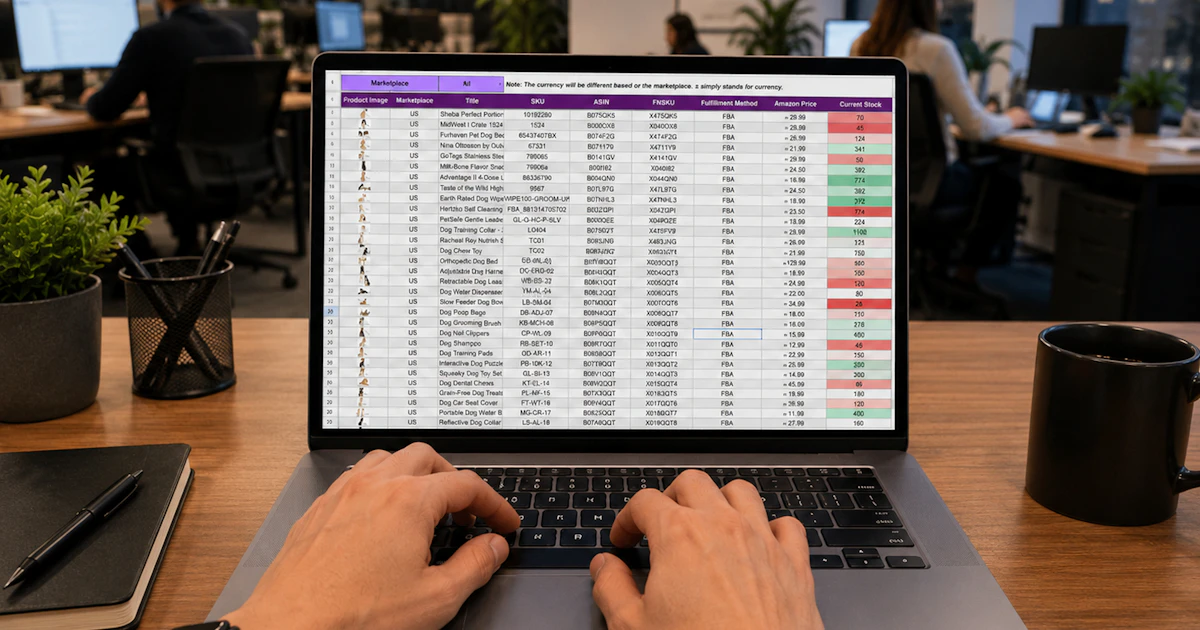
Almost every security company starts on spreadsheets. They are free, flexible and everyone knows how to use them. For a handful of guards and one or two sites, a well-built spreadsheet roster is perfectly reasonable. The trouble is that spreadsheets do not tell you when they have stopped working; you find out through an empty post, a payroll error or a client disputing an invoice.
This guide compares spreadsheets with guard management software honestly: where spreadsheets work, where they break, the warning signs you have outgrown them, and how to switch without disrupting your operation.
Where spreadsheets work well
Spreadsheets are a good fit when:
- you run one to a few sites with stable schedules
- the same small team works the same posts most weeks
- one person maintains the roster and knows every guard
- clients only need a simple monthly hours report
- payroll and invoicing are small enough to check by hand
If that describes you, a clean template with one tab per week, a list of guards and their licences, and a simple hours summary may be all you need for now.
Where spreadsheets break down
As you grow, the same problems appear in almost every security company.
The schedule is not what happened
A spreadsheet shows who should be at a post. It cannot tell you who actually turned up. Attendance ends up on paper sheets, in chat messages or in phone calls, and someone has to reconcile it all with the roster.
Problems are found too late
Nothing in a spreadsheet alerts you when a guard has not checked in. An empty post is discovered when a supervisor checks, or when the client calls.
Rules are checked by memory
Rest time between shifts, maximum weekly hours, consecutive nights and licence expiry dates all have to be checked by eye. One swap can quietly break a rule elsewhere in the sheet.
The same hours are typed three times
Hours from the roster or timesheets are retyped into payroll, then again into client invoices. Every retype is a chance for an error, and errors in both directions cost money: underpaid guards, overbilled clients or unbilled extra hours.
Versions multiply
"Roster_final_v3_updated.xlsx" is emailed around, edited on someone's phone and overwritten. Nobody is sure which version is current, and there is no record of who changed what.
No audit trail
When a client disputes an invoice, there is no reliable record of when a guard arrived or who edited the hours afterwards. See how attendance records prevent billing disputes.
Spreadsheets vs guard management software
| Spreadsheets | Guard management software | |
|---|---|---|
| Cost to start | Free | Subscription |
| Setup time | Minutes | Days to weeks |
| Verified attendance | No | Yes, with geofencing and checkpoints |
| Live view of coverage | No | Yes |
| Alerts for missed check-ins | No | Yes |
| Working-time and licence checks | Manual | Automatic or flagged |
| Payroll from attendance | Retyped | Generated from verified hours |
| Invoices from attendance | Retyped | Generated from verified hours |
| Audit trail | None | Every change logged |
| Works across many sites | Gets harder with each site | Designed for it |
Warning signs you have outgrown spreadsheets
If several of these sound familiar, it is time to look at software:
- You have had an empty post that nobody noticed until the client did.
- Month-end payroll and invoicing take days of reconciling.
- You regularly find unbilled extra shifts after the invoice has gone out.
- Supervisors spend more time chasing check-ins than supervising.
- You are not sure which version of the roster is current.
- A client has asked for proof of attendance and you struggled to provide it.
- You are about to add sites or a large client, and admin would grow with it.
The real cost of "free"
Spreadsheets have no licence fee, but they are not free. Add up, each month:
- admin hours spent building rosters, chasing attendance and reconciling hours
- overtime paid because absences were found late
- revenue lost to unbilled extra hours and missed premiums
- credit notes issued because hours could not be proven
- the cost of losing a client after repeated coverage failures
For most growing security companies, these costs exceed a software subscription well before they notice.
How to switch without disruption
Moving from spreadsheets to software works best in stages:
- Clean your data first. Make one up-to-date list of clients, sites, posts, guards, licences and expiry dates.
- Pick a pilot site. Choose a site with a cooperative supervisor and a typical mix of shifts.
- Run in parallel briefly. Keep the spreadsheet for one or two weeks while guards start checking in on the app, then compare.
- Train guards in person. A short demonstration at shift handover works better than a document.
- Close a full cycle. Generate payroll and an invoice from the new system's attendance, and check them against your old method.
- Roll out site by site, then retire the spreadsheet so there is only one source of truth.
For help choosing a system, see our buyer's guide to security guard management software. If you are still refining your rosters, our complete guide to security guard scheduling covers shift patterns and rotation.
DutyFlex replaces the spreadsheet, the paper register and the retyping: guards check in on mobile with geofencing and QR checkpoints, supervisors see live coverage across every site, and verified attendance becomes invoices and payroll without manual calculations.
Frequently asked questions
Can I manage security guard schedules in Excel or Google Sheets?
Yes, for a small operation with one or a few stable sites. As sites and guards grow, spreadsheets struggle because they cannot verify attendance, alert you to missed check-ins or feed payroll and invoices without retyping.
When should a security company switch from spreadsheets to software?
Common triggers are missed posts nobody noticed in time, month-end reconciliation taking days, unbilled extra shifts, clients asking for attendance proof, or plans to add more sites.
Is guard management software worth the cost for a small company?
Often yes, once you count admin hours, late-absence overtime, unbilled hours and disputed invoices. Many small companies recover the subscription cost through more accurate billing alone.
How long does it take to move from spreadsheets to software?
A pilot site can usually go live within days. A full move across all sites typically takes a few weeks, including cleaning data, training guards and running one payroll and invoicing cycle on the new system.